

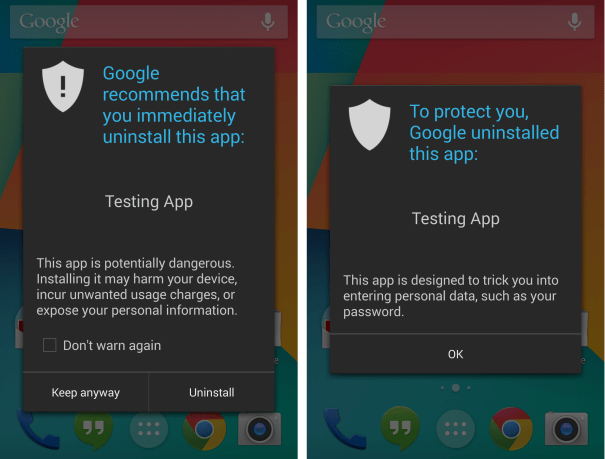
“Building on Verify apps, which already protects people when they’re installing apps outside of Google Play at the time of installation, we’re rolling out a new enhancement which will now continually check devices to make sure that all apps are behaving in a safe manner, even after installation,” Rich Cannings, Android Security Engineer noted in a blog post.
Google also revealed that in the last year, Verify apps was used over 4 billion times to scan the applications at the time of installation. Google hopes that with new enhancements, Android device protection will be touch a new high. The company already uses Bouncer scanning system to check every app and app update their goes through Google Play.
To remind you, “Verify apps” feature is available on all Android 2.3+ devices with Google Play installed.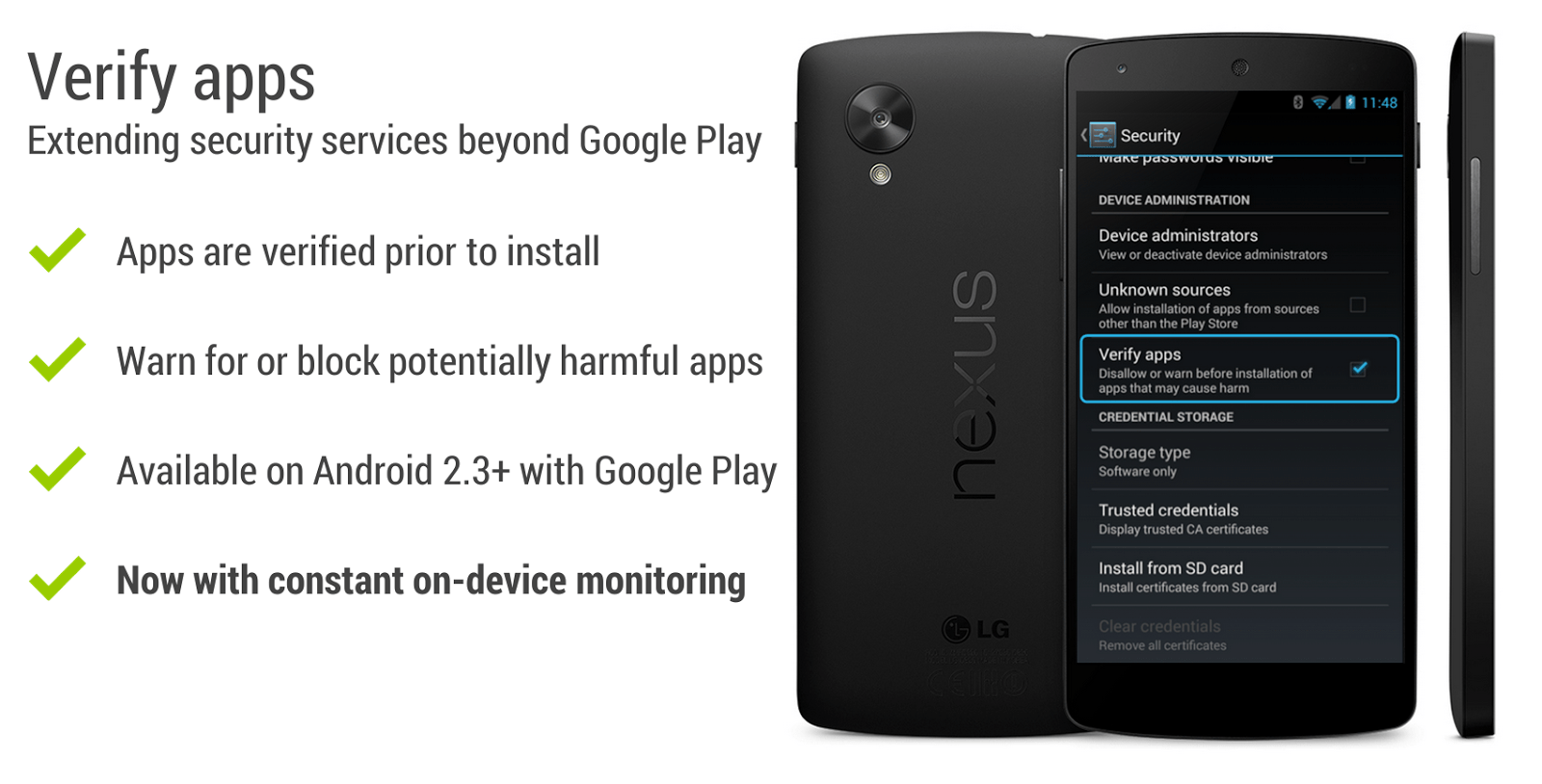
How to control app verification?
App verification is turned on by default but it you want tweak anything, go to your device’s apps menu and touch Google Settings > Verify apps. Touch the box next to verify apps; the setting turns on when the check mark appears. If your device is running Android 4.2 and higher, you can also go to Settings > Security > Verify apps. You can find more help about Google’s Verify Apps feature at this support link.

