

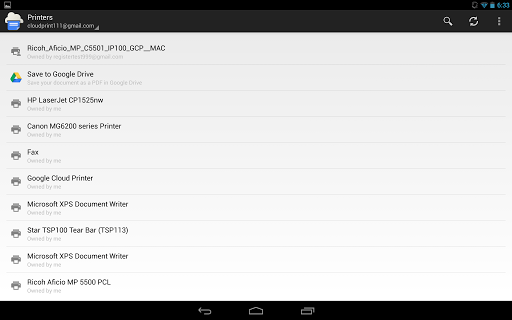
The Cloud Print feature is nothing new and has been present for a long time now, but it is the first time Google has officially taken it mobile. There are several other third-party apps, which also allow you to use Cloud Print feature.
Cloud Print app can work on any Android device with version 2.3.3 or above. As the Cloud Print feature get integrated in the native share menu, you can simply share a document or an image or a PDF to Cloud Print from any app and it will directly get printed. You can obviously tweak settings before you send it to a printer.
Google Cloud Print Android app features
- Print from any compatible Android device to any Google Cloud Print connected printer
- Share a picture or a document from apps like Gallery directly to Cloud Print
- Track the status of your print jobs
Read this link for information on how to connect your print to Cloud Print

