

Advertisements
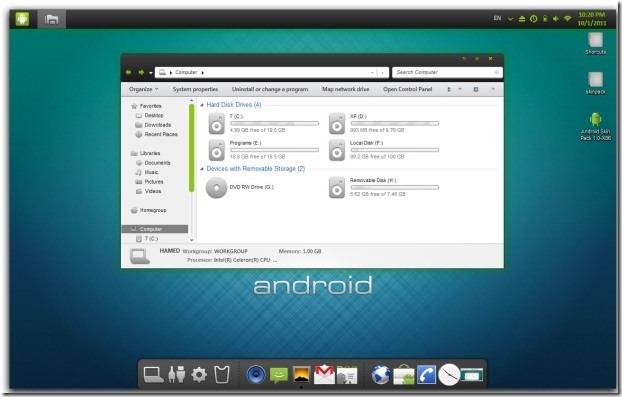
An Android theme pack released by a developer named ‘hamed’ brings Android visual style to any Windows 7 PC. This theme pack currently supports Windows 7 and Windows 7 SP1 powered computers.
This Android skin pack comes with an easy installer, but you need to make sure a few things before you make any changes to your live machine.
- Make sure to create a system restore point or even make a full backup in case if have some really important work stored on your computer and you don’t want to mess that up.
- Disable User Account Controller (Guide here)
- Close all the running programs
You can grab the 32bit or 64bit installers from here and continue with the transformation of your PC to an Android clone. Make sure to restart computer after install.
Here are some screenshots of a computer running Android Skin Pack for you.


7 replies on “Transform Windows 7 PC to Android [Skin Pack Download]”
I want this for windows xp
I can’t wait to try this.. This is very nice.. Thank you @Gaurav
Hey tried this.. Coolest thing on Win 7.. This is like the Vista Transformation pack received for XP… Amazing Icons and Graphics work.. Great Job by Devianart Team
Hey before trying just wanna know that
will it be safe as it will be doing changes to my windows folder…
N what i need to do if i have to revert back to original Windows 7 theme
Nd can i use this theme for a specific user account only??
Thank you for This skin pak
Download?
tanks