

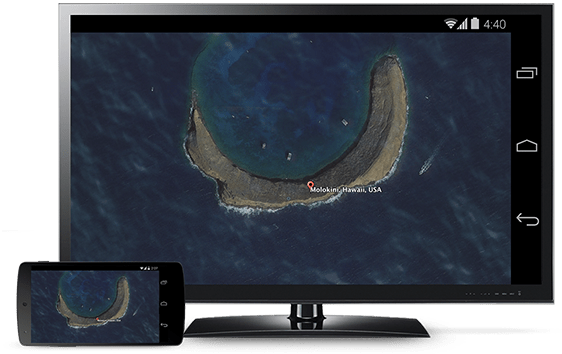
“Starting today, you can mirror your Android phone and tablet to the TV so you can see your favorite apps, photos or anything else, exactly as you see it on your mobile device—only bigger,” Ambarish Kenghe, Chromecast Product Manager and Cast Master wrote on Chrome blog.
According to Google, the mirroring feature is still in beta but publically available for popular Android devices like all Nexus devices, Samsung Galaxy S4, S5, One M7, LG G3, G2 and G Pro 2. The search giant has promised to add support for more devices in the coming days.
To use the Android device mirroring, look out for v1.7 update of the Chromecast app on Google Play store.
Quick guide to use the feature:
- Connect your Android device to the same Wi-Fi network as your Chromecast
- Open the Chromecast App
- From the navigation drawer, select ‘Cast Screen’
- Touch the ‘Cast Screen’ button
- Select your Chromecast


2 replies on “Now mirror your Android device screen on your HDTV with Chromecast”
finally its time to get chromecast
I’ve ASUS Fonepad 7 tablet. Planning to get a Miracast dongle for screen mirroring. Should I?