


- Rooting Kindle Fire
- Installing TWRP 2.0 Recovery
- Install Google Apps
Thanks to XDA member Vashypooh, we now have a Kindle Fire utility to complete all these tasks and a lot more. This is working with Kindle Fire version 6.2, but have not been tested with the latest 6.2.1 (which is said to be rolling out now, if you have already got the update, wait for the support confirmation).
Kindle Utility comes with all the relevant files and you don’t need to download any other files or SDK or anything.
How to use it:
- Download the utility from here.
- If you don’t have drivers installed, run install_drivers.bat after plugging the device via USB cable
- Run the tool (run.bat)and choose any of the options you want and enjoy.
If you have any issues or find out any bugs, do report them back to the original thread at XDA.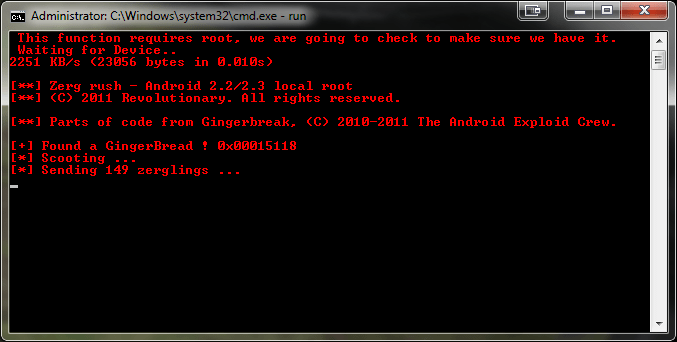


One reply on “How to Root, Install TWRP 2.0 or Google Apps on Kindle Fire – The Easy Way”
Thank you for posting this on your site. I am actually having a hard time in installing Google Apps on my newly bought Kindle. Your post is very helpful. Thanks again for your help!